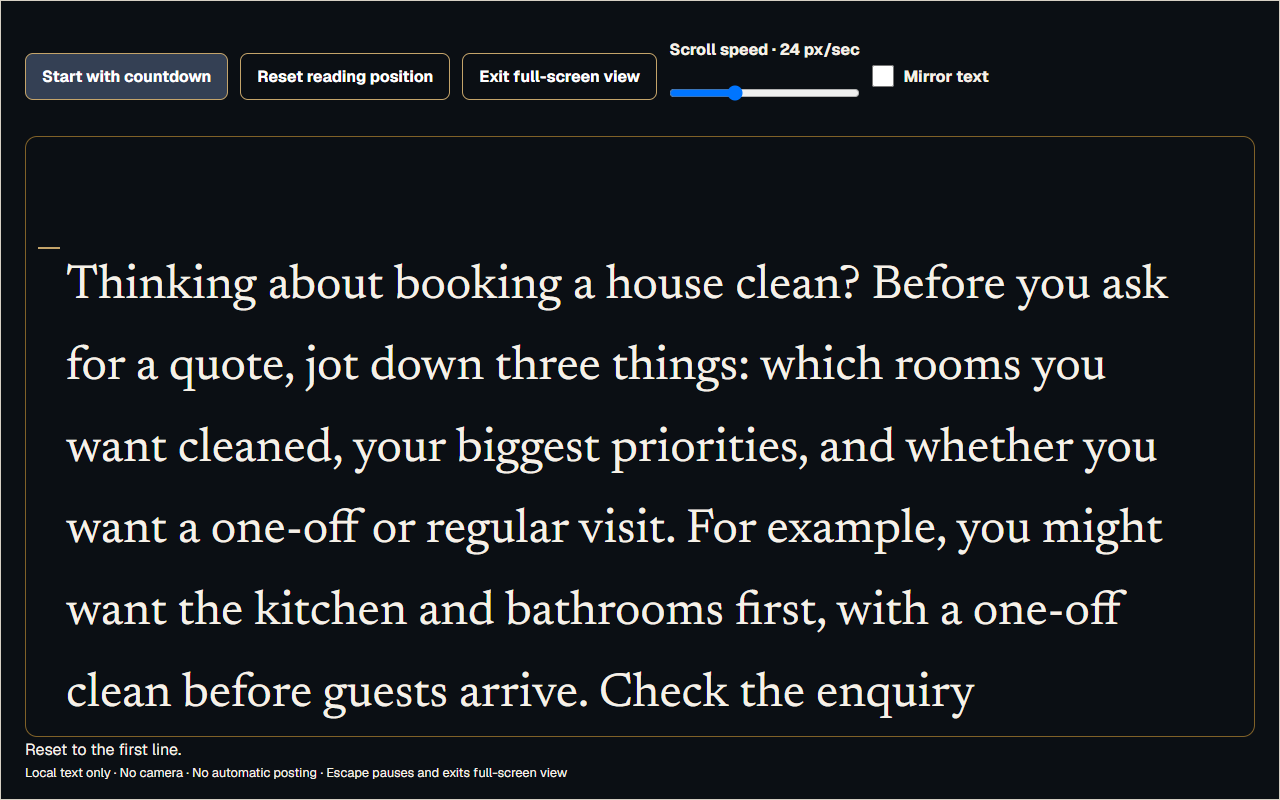
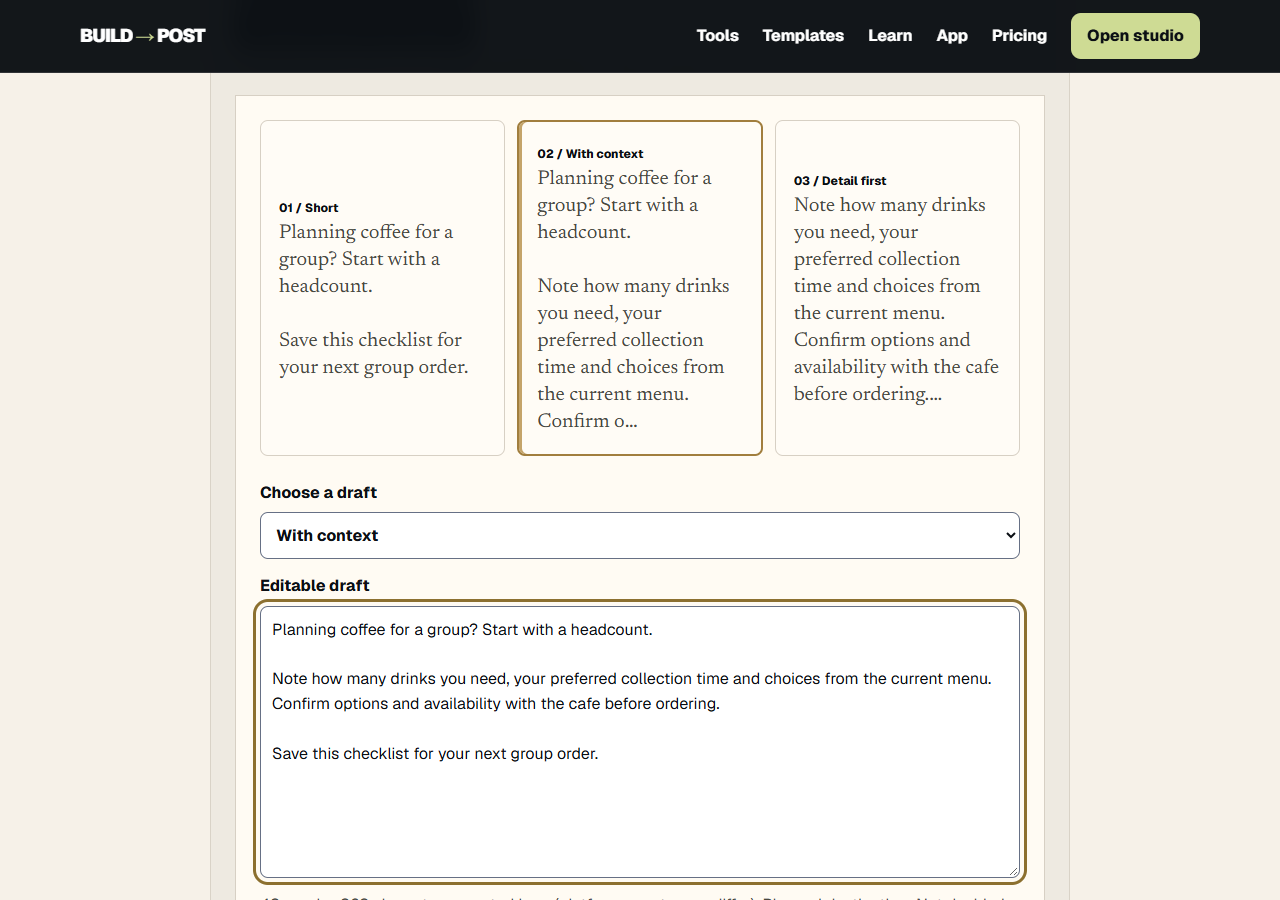
Find your words.
Try the teleprompter, Hook Lab, Caption Desk or duration ruler. No account needed.
Choose a free tool →Your creator workspace
Open Studio. Write, rehearse and record. Leave with a video file you’ve saved, a cover PNG and the words to post with it.
Watch the walkthrough · 3 minutes →
On your device · Upload manually · Early access
One idea. Files you can open.
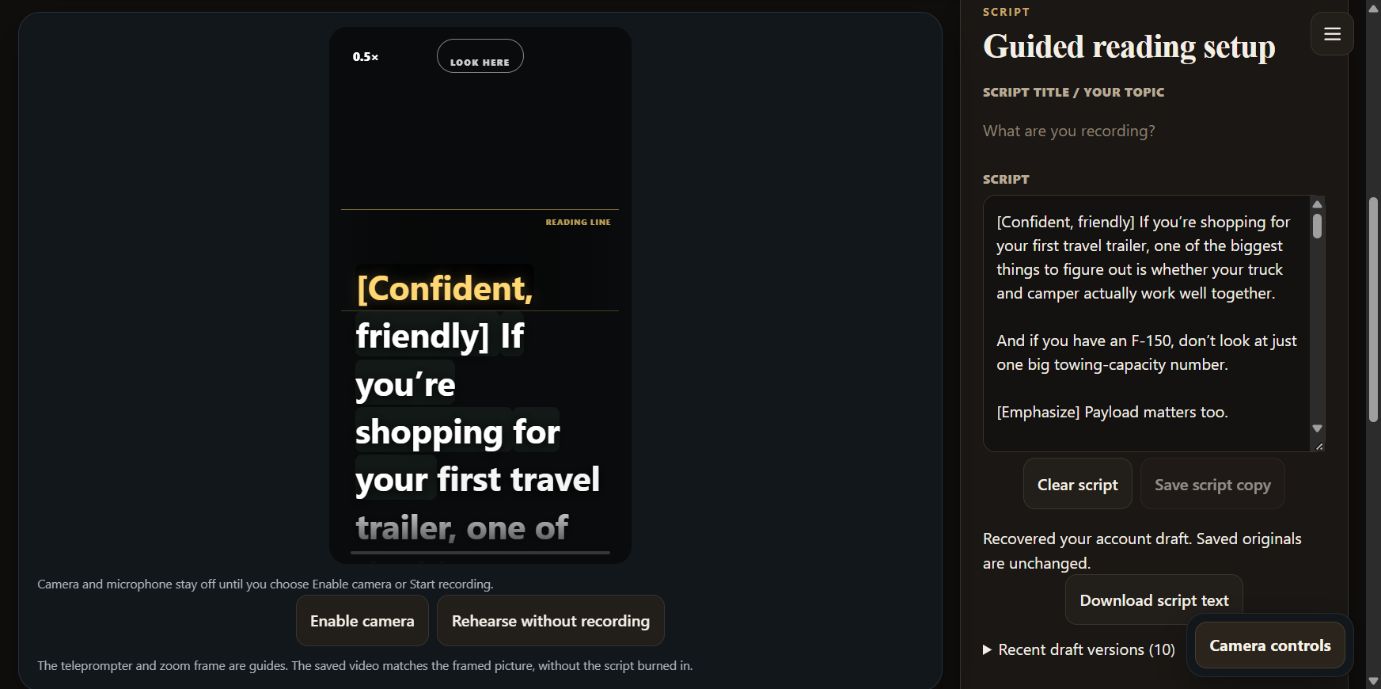
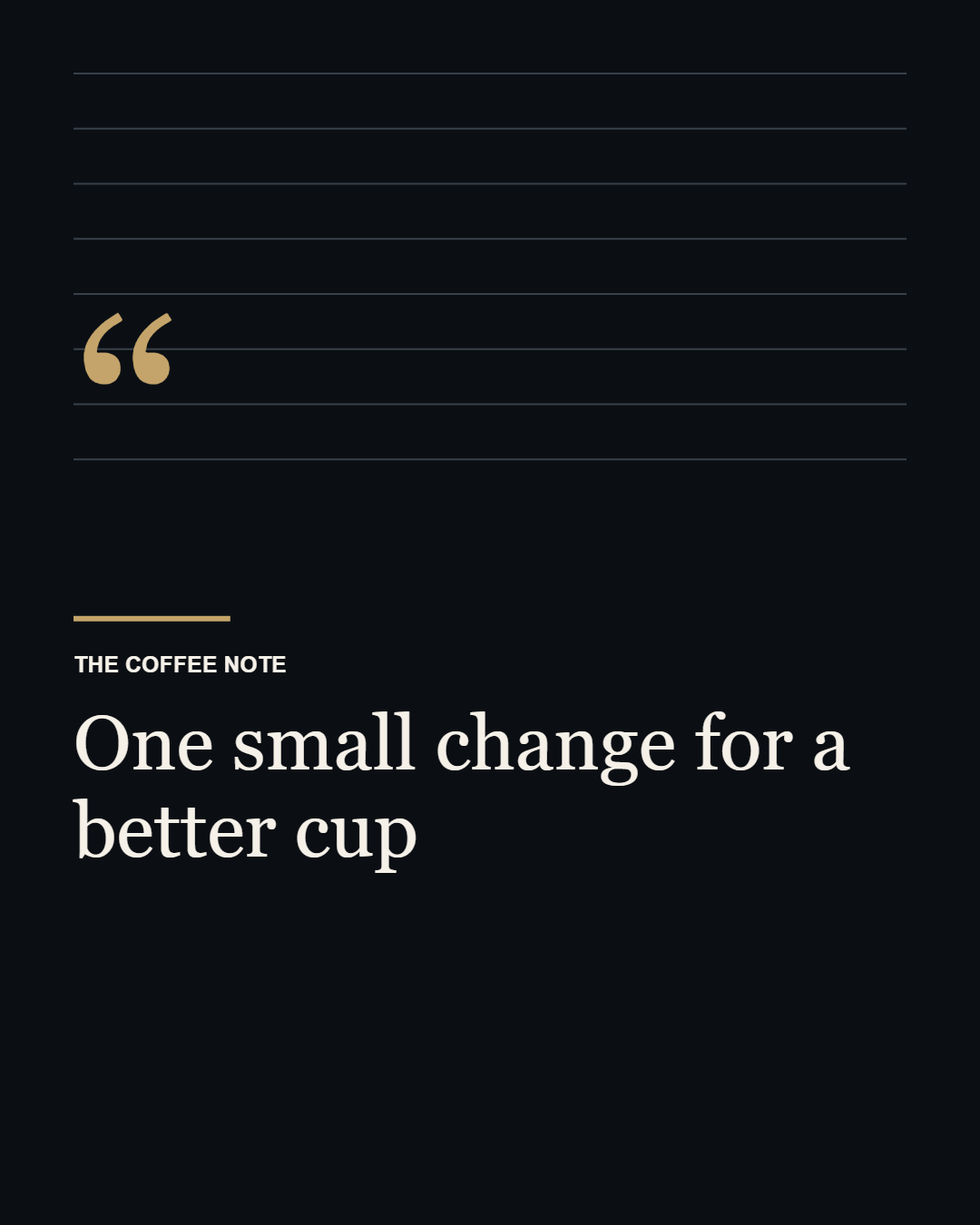
A coffee tip, a cover and a caption—not another blank document. Download the actual output, then make your own version.
Keep your usual coffee recipe. Change one grind setting, taste again and note what you notice. What would you try first?
A worked example made with the tools, not a customer result.
WATCH THE WORKFLOW · 3 MINUTES
Follow a cleaning-business idea through the actual workspace—with Brody guiding the way. Watch it once, or jump to the part you need.
AI presenter and ElevenLabs voice. Real app screens and rehearsal footage, captured September 28, 2026; recording controls use a labeled demonstration camera. Videos stay on your device. You complete social uploads yourself.
One useful idea becomes a script, a reviewed take, a cover and a caption.
Open Ideas, choose New idea, add your audience’s question and the facts you want to explain. Save and review the editable outline.
In Record, choose a saved script or write your own. Keep it focused on one answer. Account drafts save after you pause typing.
Rehearse camera-free, adjust pace and text size, then enable camera and microphone when ready. Stop and review your take.
Name the recording and session. Move to next recording saves the video and script in this browser, then opens a blank script and live camera. Use New take and confirm Discard to throw a take away. Download important recordings as a backup.
Open Finish for the same project. Refine the cover and caption, download your cover, then choose Save & prepare publishing kit and Continue to Publish.
Save kit saves your work without opening tabs or posting. Copy a caption, open the platform, check the account and upload there. Return to mark the post published and add its link.
Open the guide and ask a question in your own words. Start with one post, save the take, then make the next.
One small session
Try the teleprompter, Hook Lab, Caption Desk or duration ruler. No account needed.
Choose a free tool →Keep a script, rehearse, record and download the take you want.
Open Studio →Design a cover, add your caption and download an export pack for a manual upload.
Preview a cover →The paid direction
Planned Studio pricing: $15/month or $150/year. Saved work, reusable cover designs and finished publishing packs are the focus.
Checkout is closed; no rate reservation or charge. Current early-access features remain available.
See access and planned pricing →